|
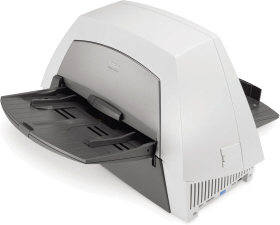
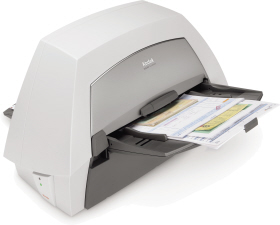
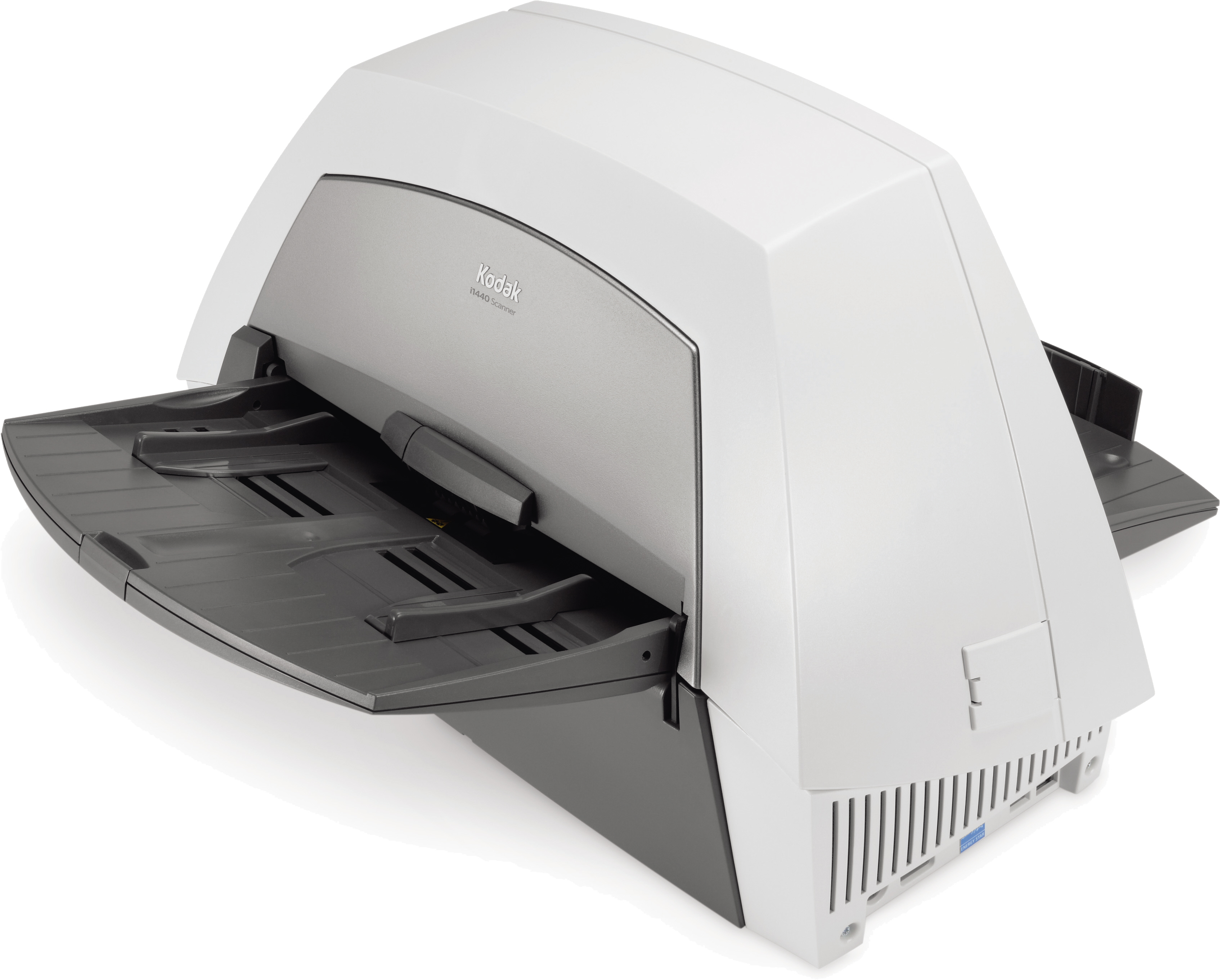
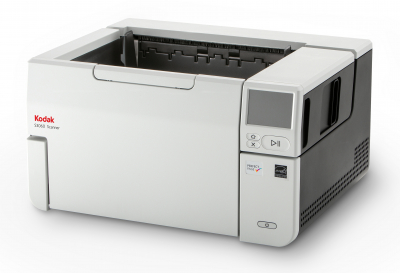
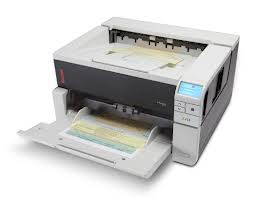
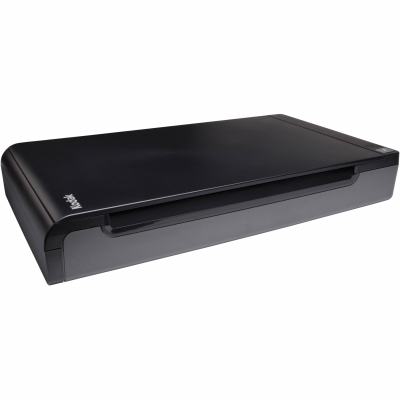
The KODAK i1440 Scanner gives your business a competitive edge with awesome productivity, versatility, ease of use and the high-quality images you'd expect from Kodak.
The capability to scan all kinds of documents
Handles everything from card stock to onionskin and small cards to very long printouts
Scan documents up to 863 mm (34 in.) long
Long document mode scans documents up to 6.1 m (20 ft.) long and beyond!
Special document mode lets you auto-feed even the most irregularly shaped documents
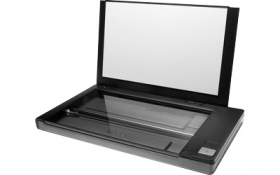
Optional "tethered" A3 and A4 flatbeds are available for scanning bound material
Easy-to-use functionality
Smart touch feature lets you easily choose the right scanning application to scan documents to e-mail, file, publishing and other desktop applications that support TIFF, JPEG, RTF, PDF and searchable PDF
USB 2.0 interface provides fast image transfer
Post-scan document imprinter allows you to imprint tracking information directly on the document as it passes through the scanner
Toggle patch automatically switches between black-&-white and colour scanning "on the fly"
Delivers speeds up to 75 pages per minute/150 images per minute at 200 dpi
Handles up to 10,000 pages per day
New Perfect Page feature set provides enhanced image quality
Background colour smoothing removes variations in background colour for greater colour consistency and reduced file size
Improved colour accuracy enhances images with truer, more consistent colours
Automatic colour detection outputs images in colour, grayscale or black-and-white based on document content
Interactive colour output adjustment compensates for variations in printers, displays and lighting conditions by allowing users to adjust brightness, contrast, and colour balance
Automatic orientation rotates the scanned image correctly for reading based on document content
Improved and trainable electronic colour dropout eliminates up to three irrelevant background form colours, plus learns up to three colours to drop out
Segmented black-and-white output optimizes the image quality of both text and photo regions independently, allowing photos to be rendered with more detail and clarity
Photo extraction automatically locates, extracts & outputs a photo as a separate image fileBack to top ¹ Prices checked on retailers' websites on the previous day. Whilst we are confident these prices are correct we accept no responsibility for any inaccuracies. Prices based on single, on-line purchase of the same or closest equivalent product, excluding delivery. Promotional prices may vary. |